HOW TO ACCESS CAPTURED DOCUMENTS AND SIGNED VISIT AGREEMENTS
-
Log in to your account on lobbytrack.com
-
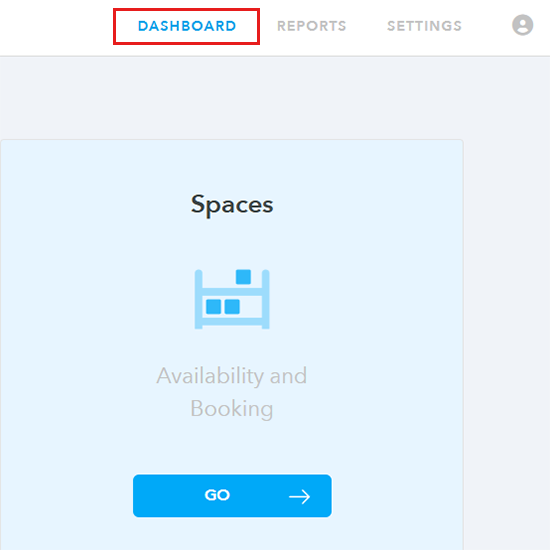
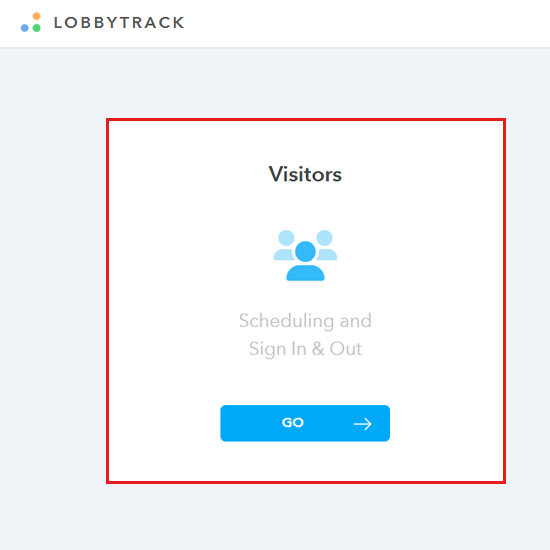
Under Dashboard, click on “Visitors”
-
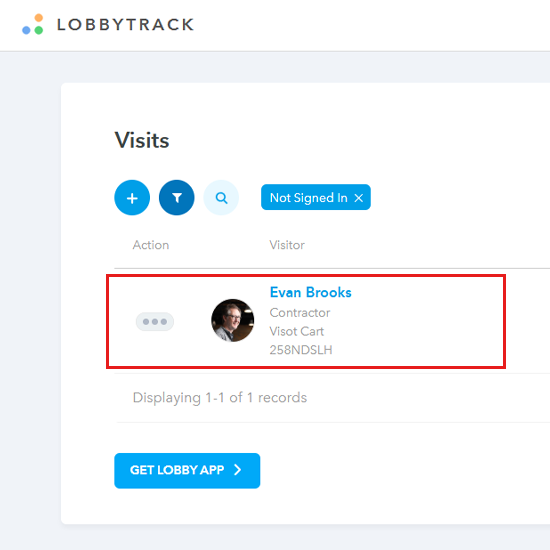
Click on the visitor's name for whom you are trying to access the visit agreement.
-
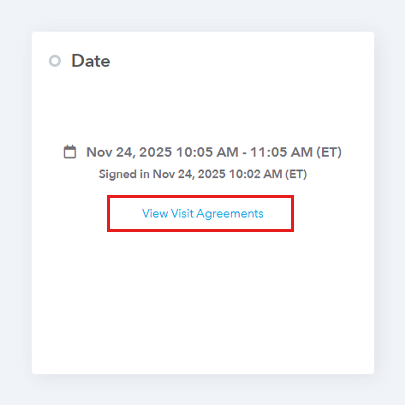
Click on “View visit agreement”
-
Select the agreement you would like to view/download
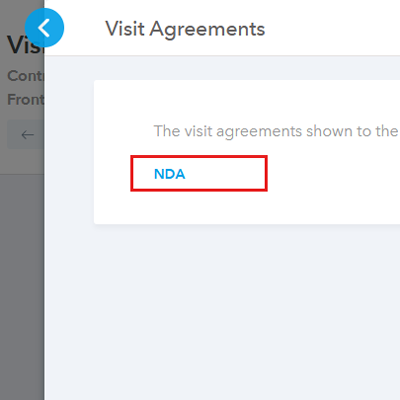
-
The signed document will be downloaded in the PDF format.
Frequently Asked Questions (FAQ)
Use Cases: When Instant Access Saves the Day
Having instant access to these captured documents turns your visitor log from a simple attendance sheet into a powerful compliance tool.
- The Audit Crunch: Your compliance or legal team announces an immediate audit. Being able to instantly retrieve a specific signed policy from a specific date means you can provide evidence in seconds, not hours.
- The Contractor Incident: A contractor has an incident on-site. Your first step is to quickly pull the signed Indemnity Waiver or Safety Agreement to confirm they acknowledged the risks and protocols before stepping onto your property.
- Proof of NDA: A vendor is suspected of sharing confidential information. You can immediately access the Non-Disclosure Agreement (NDA) they signed at check-in to confirm the terms and date of agreement.
- Historical Review: A new facility manager takes over and needs to review the standard procedures. They can easily download the most common visitor agreements to understand the legal and safety language currently in use.